The Product Decisions Behind OrderGuard
Why OrderGuard keeps the protection fee, pricing rules and every claim decision with the Shopify merchant, from checkout opt-in to claim rules.
On this page
- The problem: shipping protection the merchant actually controls
- Decision 1: the customer chooses
- Decision 2: pricing that fits the cart
- Decision 3: claims customers can file themselves
- Decision 4: rules for the boring cases
- Decision 5: an optional warranty, off by default
- Decision 6: pricing you can start without
- The rules behind it
I build Shopify apps under the name Storvia Apps, and OrderGuard is one of them. It isn't the first shipping protection app, and that is fine. What I want to share here is the thinking behind it: the small product decisions that are easy to miss on a listing page, and the merchant problem that pushed me toward it.
The problem: shipping protection the merchant actually controls
A package gets lost, stolen or arrives damaged. The customer emails support, support asks for photos, someone decides whether to refund or reship, and the whole thing lives in an inbox. Shipping protection apps exist to fix that, but many of them take the decisions out of the merchant's hands: someone else sets the price, someone else decides the claim, and the merchant finds out afterward.
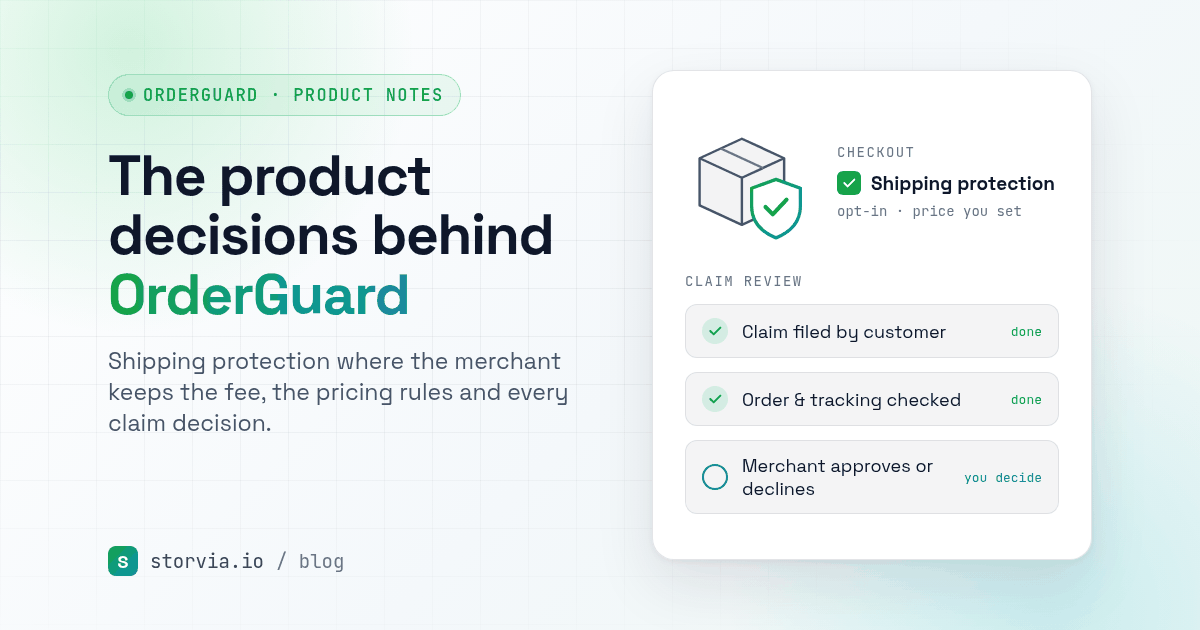
I wanted the opposite. OrderGuard is merchant-managed. The protection fee goes to your store, you set the rules, and you decide the claims. That also means it is not insurance: when you approve a claim, you are the one paying for the refund or replacement. I would rather say that plainly than have a merchant discover it later.
Decision 1: the customer chooses
Protection appears as a checkbox, either in a cart widget added through the theme editor or in the checkout. The customer ticks it and a small protection fee is added to the order. If they don't want it, they don't pay for it. The widget's text and colours are yours to change so it looks like part of your store.

Decision 2: pricing that fits the cart
A flat fee feels fair on a $30 order and odd on a $400 one. So OrderGuard lets you pick how the fee is set: a percentage of the cart, a fixed fee, or tiers by order value, with an optional minimum and maximum. You can also exclude products, so a checkout with only excluded items isn't offered protection.
Decision 3: claims customers can file themselves
Customers file claims through a self-service claims page for lost, stolen or damaged packages, with photos if needed. You can add your logo, colour and store name, and the page can show in English, French or Spanish. You choose the claim window too, which is 30 days by default.
On your side, every claim lands in the dashboard. You can approve it and resolve it with a refund, a replacement order created as a draft order, a gift card, a discount code, store credit or a return. You can also ask the customer for more information, or reject it.

Decision 4: rules for the boring cases
Most claims are small and simple, and a few are not. Claim rules let you decide what happens automatically. You can auto-approve claims under an amount you set, request more info when a reason needs proof, or flag customers who file claims again and again so a person looks before anything is refunded. Rules can look at the claim amount, the reason, how many claims a customer has filed and how soon after fulfillment the claim came in.
Decision 5: an optional warranty, off by default
Some stores sell products where a longer warranty makes sense. OrderGuard can offer one at checkout, but it is off until you turn it on. It shouldn't be one more thing pushed at every shopper.
Decision 6: pricing you can start without
There is a free plan for 100 protected orders a month, then Starter at $9.99 for 500 and Growth at $29.99 for 2,000, billed monthly through Shopify. A small store can try the whole flow before paying anything.

The rules behind it
Looking back, a few rules shaped the app. Don't change the merchant's decisions behind their back: OrderGuard leaves the fee and every claim decision with you. Put the choice where it can actually be made, which usually means checkout. And be clear about the edges, like the fact that merchant-managed protection is not insurance.
The app is still young, and most of what is in it came from reading what merchants say hurts: in forums, in reviews and in support threads. If you spend too much time on lost-package emails, I would like to hear how you handle it today. You can reach me at contact@storvia.io.
- OrderGuard on the Shopify App Store
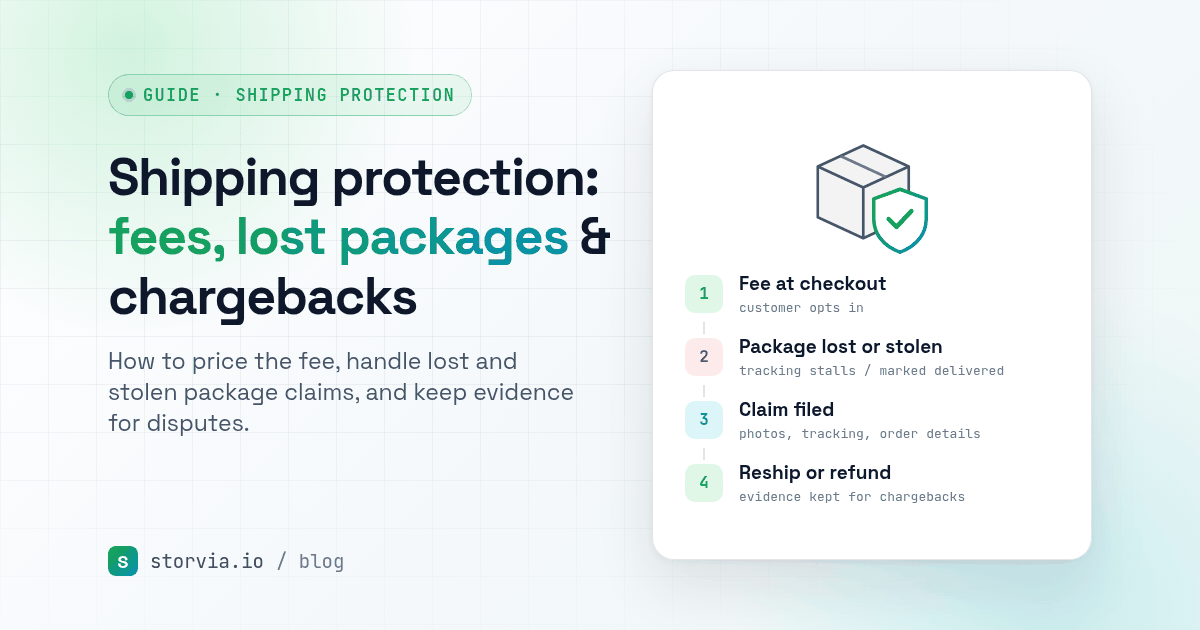
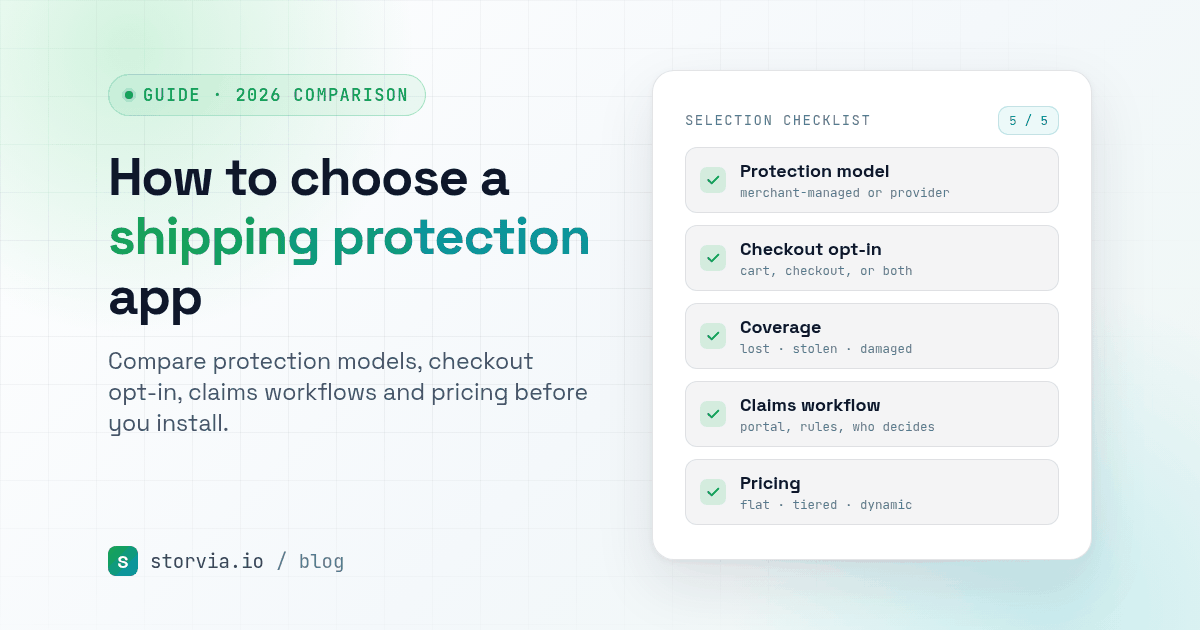
- Related guide: Shipping protection on Shopify: fees, lost package claims and chargebacks
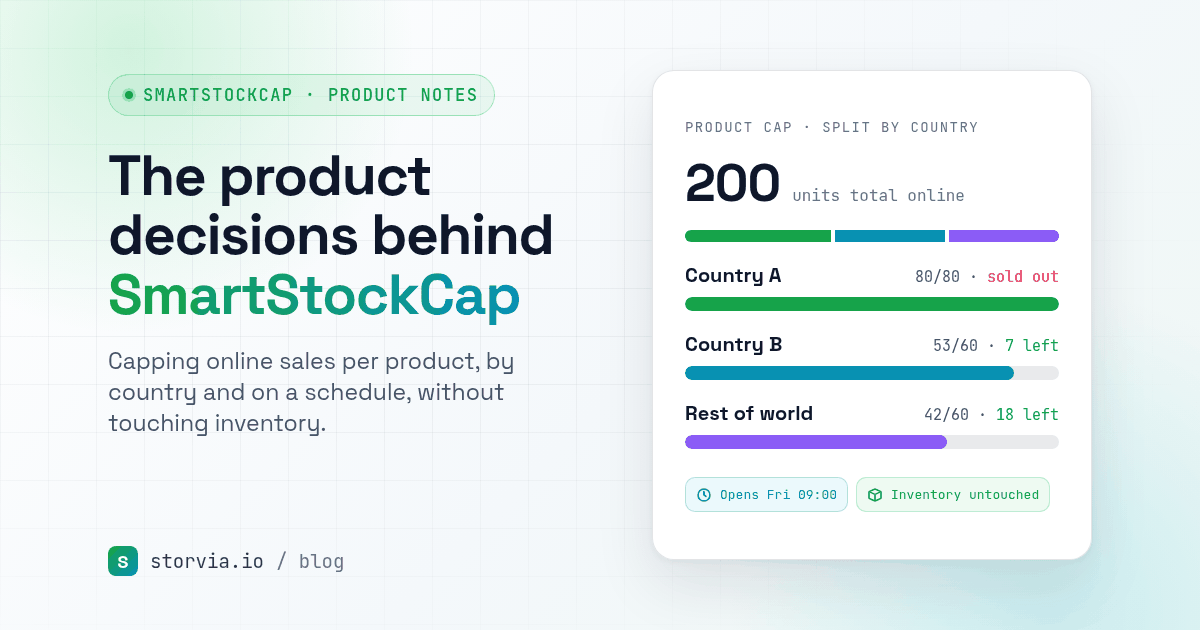
- Read next: The product decisions behind SmartStockCap
The Storvia team